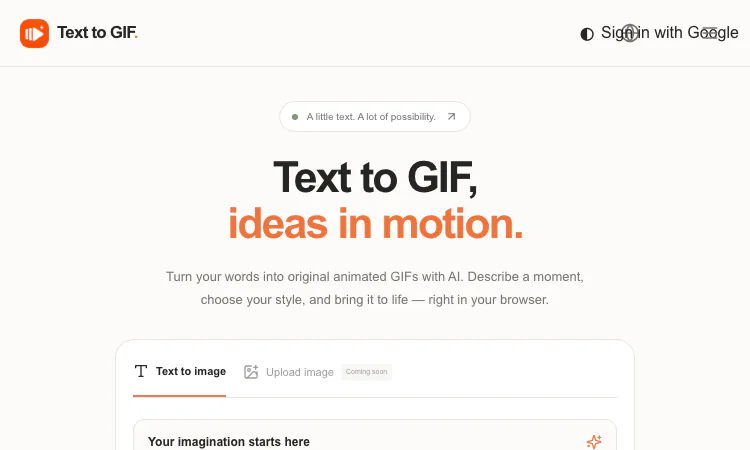
Learning to animate used to mean weeks of tutorials before your first finished loop. Text to GIF shortens that journey to a single session: it is an AI GIF generator that converts written descriptions into original looping animations, and its three-step structure doubles as a gentle on-ramp to the core concepts of animation — frames, timing, and loops. This guide walks through exactly how to create your first animation there, step by step, with the settings explained as you go.
Open the workspace and you will find a prompt box that accepts up to 4,000 characters — generous room for a full description. The formula that works best is subject + style + motion. A weak prompt says "cat." A strong prompt says "a round orange cat doing a happy dance, flat cartoon style, bouncing side to side in a seamless loop." The motion part matters most: Text to GIF is generating animation, so telling it how things move ("swaying gently," "spinning slowly," "bobbing up and down") shapes the result more than any other phrase. Stuck for a first idea? The site's own spark suggestions — a dancing cat, a blooming flower, a spinning planet — are one-click starters that teach you what the engine likes: a clear subject performing a clear, repeatable action.
This is where the learning happens, because each setting teaches a real animation concept:
Frame count (2–16). Animation is a sequence of frames, and here you choose how many. Two frames produce a snappy flicker — think classic reaction memes. Eight to sixteen frames produce smoother, flowing motion. Try the same prompt at 2, 8, and 16 frames and you will have taught yourself more about frame rates than an hour of reading.
Frame duration (20–2000 ms). Each frame can display for a chosen time. Short durations (20–100 ms) create energetic, nervous movement; long durations (500–2000 ms) create calm, slow motion. Timing is personality: a "blooming flower" at 100 ms per frame feels hyper; at 900 ms it feels meditative.
Aspect ratio (15 options). Choose the shape of your canvas: 1:1 for stickers and posts, 9:16 for vertical video overlays, 16:9 for presentations, up to 21:9 for banners. Picking the right ratio first means never cropping your art later.
Quality and resolution. Five quality tiers run from Draft to Maximum, and resolution spans 1K to 4K. The smart learning loop: practice at Draft, which costs fewer credits, then re-render your favorite experiment at Maximum. Complexity settings (Simple, Balanced, Detailed) adjust how intricate the artwork becomes.
Format. GIF is the default for looping animation, but the same prompt can yield SVG (real vector graphics — genuinely rare for an AI tool), PNG, WebP, or JPG stills. When your lesson moves from animation to illustration, the companion Text to SVG mode is waiting in the same workspace.
Before generating, the exact credit cost appears on screen — derived from your quality, resolution, format, and frame count. Nothing is charged invisibly. Click generate, wait while the cloud engine renders (time varies with your settings and demand), and download the original file when it finishes. Signing in is only required to download completed work, so you can practice prompts freely before creating an account. If a generation fails, credits are refunded automatically — mistakes are free retries, which is exactly what a learning environment should offer.
Treat these as drills, cheap to run at Draft quality:
A few practical notes round out the lesson plan. Costs: pricing is pay-as-you-go credit packs starting at $10 (Starter $10, Creator $20, Studio $50) — no subscription, and the cost preview keeps every experiment accountable. Persistence: if you close the tab mid-generation and return on the same browser and account, your job keeps its progress. Variance: AI output differs between runs — the site itself advises refining prompts and inspecting results, which is simply the iteration habit in product form. Scope: input is text-only for now (image uploads are "coming soon"), and sixteen frames caps you at short loops, which is precisely what makes it a focused learning tool rather than a sprawling animation suite. Commercial use requires checking the provider's terms and rights around your prompt.
Once learners master the basics, Text to GIF supports deeper exercises. Animation history: recreate a Muybridge-style galloping horse as a 12-frame Text to GIF sequence, then discuss how early cinema and modern loops share frame-based DNA. Math tie-in: compute how long an 8-frame Text to GIF loop runs at 250 ms per frame (two seconds), then at 100 ms versus 900 ms, and graph the results. Storytelling: storyboard a three-act micro-story and have Text to GIF render act one, discussing what the frame limit teaches about economy. Media literacy: examine how looping changes tone, then produce one calm Text to GIF loop and one chaotic Text to GIF loop from the same sentence. Budgeting practice: the credit-preview screen becomes a planning exercise — five Draft experiments within ten credits, allocation justified. For homework, each learner submits one Text to GIF loop plus a one-line breakdown of its frames and timing — assessment baked into the toy. And because the editor needs no sign-in, a classroom set of devices can practice prompts freely; only the final download step needs credentials, which keeps things manageable under school IT policies. Few tools slide this neatly into a curriculum: Text to GIF teaches frames, timing, ratios, and iteration, then hands each student an original animated file as the artifact of their learning.
Open the editor, paste in "a small rocket orbiting a friendly planet, retro cartoon style, seamless loop," set 8 frames at 200 ms, choose 1:1, and generate at Draft. Watch it loop. Then change one thing — timing, style, or motion — and generate again. In twenty minutes you will understand frames, timing, ratios, and loops better than most static tutorials can teach, and you will own two or three original animations to prove it. The classroom is open at Text to GIF — and when your lesson plan extends from loops to scalable logos, the SVG mode inside Text to GIF is your next chapter.
Flying Roadster AI Video Generator is a playful AI experiment that turns car photos into cinematic flight scenes with optional portrait and six frame shapes.
Project Moon Life is an atmospheric, free life simulation where curious players explore a fictional City through choices and archived lives.
AI-powered face analysis with personalized insights on facial proportions, symmetry, style, grooming, and hairstyle recommendations.
Seven free browser football games in one place — career sims, legend guessing, squad building, and a daily seeded challenge — no account or download needed.
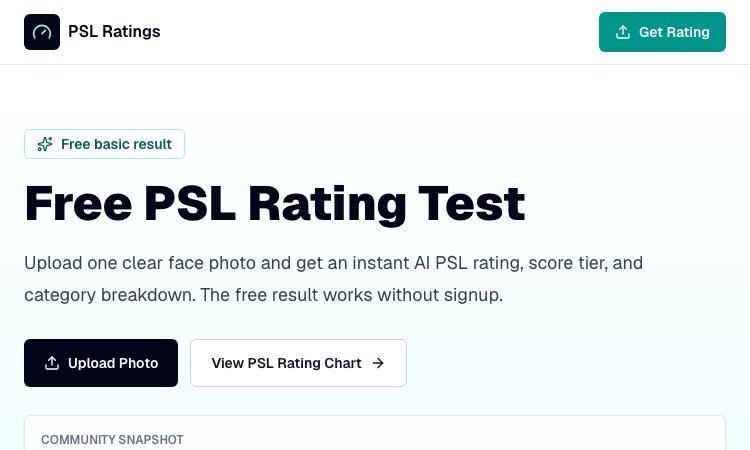
Get an instant, fully in-browser PSL rating from one photo — nothing is uploaded, and you receive a score, tier, category breakdown, and shareable card.
Put two face photos head-to-head and get structured PSL scores with an eight-dimension radar, a verdict, and a shareable card — scientific or roast mode.